Separating Mandatory and Optional Elements in a Line-Art Brief
A clear line-art brief separates decisions that block the next review from preferences that can remain open. For a shop handoff, the mandatory fields are the subject, purpose, intended size, placement, line treatment, important negative-space concerns, file stage, and approval scope.
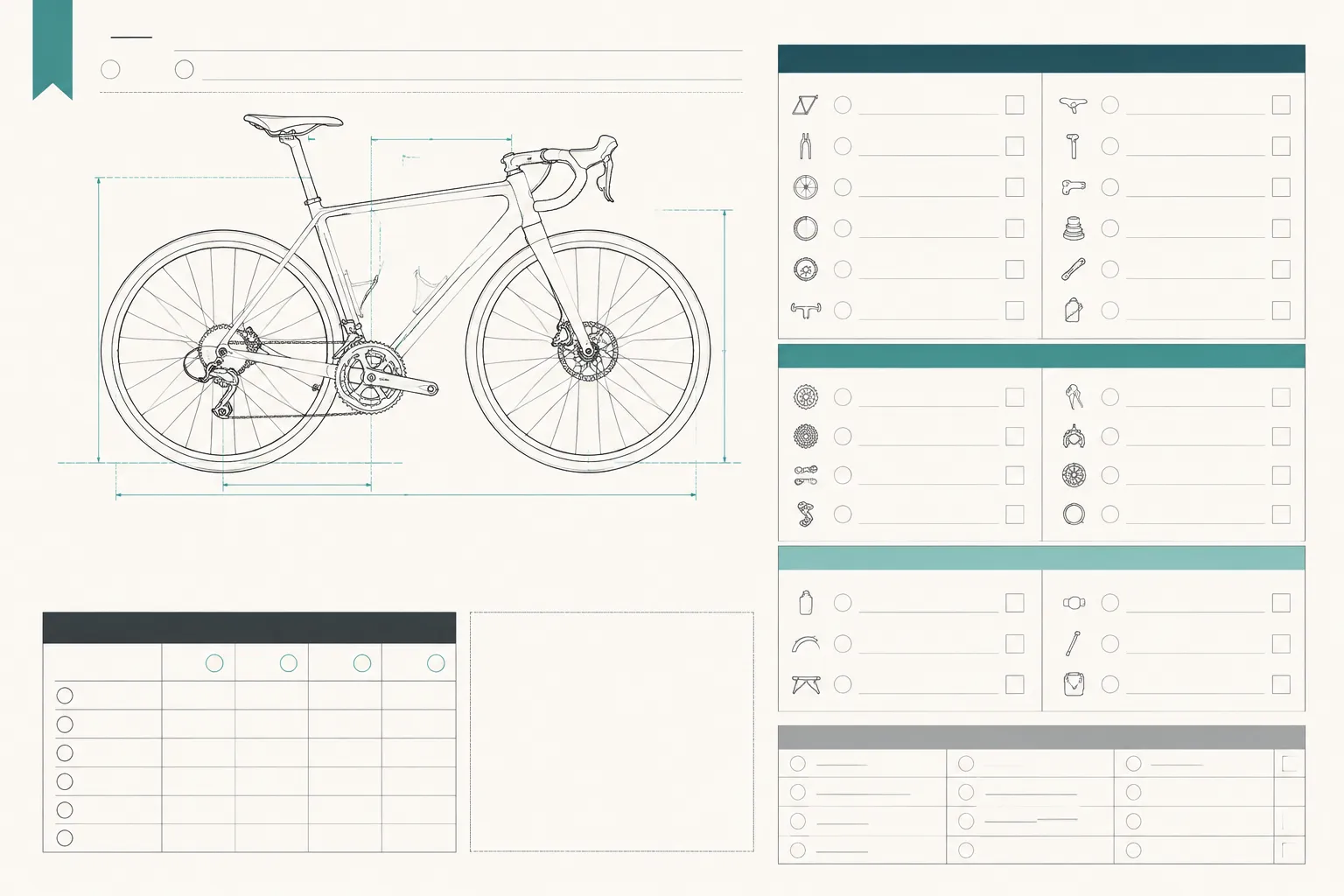
Optional details may include stylistic references, alternate compositions, decorative elements, and refinements that do not change the current production question. Some decisions remain provisional or shop-dependent because equipment, material, file workflow, and operator review can affect the final treatment.
This line art design brief checklist organizes those decisions. It is an editorial framework, not a universal production standard or a substitute for the shop's requirements.
What Makes a Line-Art Brief Mandatory?
A detail is mandatory when leaving it unresolved could change the artwork, handoff route, or next review decision.
If the recipient cannot identify what is being made, why it is being made, where it belongs, or what needs approval, the brief is incomplete.
Design-brief and sketching research commonly treats a brief as a tool for agreement, documentation, responsibility, and continued review. Applied to line art, that means recording the decisions that define the assignment rather than collecting every possible preference.
A mandatory line-art decision usually does one of the following:
- Defines the required subject and exclusions.
- Establishes the intended output and review stage.
- Changes scale, placement, orientation, or composition.
- Determines how contours, counters, bridges, and gaps should be interpreted.
- Identifies a required layer or single-color constraint.
- Names the expected file or review format.
- Identifies who owns approval for the current decision.
The word “mandatory” applies to the current handoff stage. A detail may be required for a concept review and optional for a later production file, or the reverse.
Mandatory Line-Art Brief Decisions
1. Required Subject
State exactly what the line art must show. Use a concrete description such as a side-profile bicycle with both wheels visible, a botanical sprig with three leaves, or a simplified front view of a supplied mark.
Do not rely on a file name, mood board, or phrase such as “a clean outdoor design.” If the reference contains several objects, identify the required subject and mark what should be removed. An overlapping branch, interior detail, or background object can change the contour structure.
Status: Decided when the subject and exclusions are stated.
Next check: Confirm that the preview shows the intended subject without competing elements.
2. Output Purpose
Explain what the line art is intended to support. It might be a single-color engraving concept, a cut-line direction, a layered sign graphic, a small customization mark, or a visual concept awaiting path cleanup.
Purpose matters because the same subject may need different levels of detail at different stages. A concept preview communicates visual intent. A path view communicates a file structure for review. A test-piece record documents a specific material and equipment context. None of these labels should be treated as interchangeable with an approved production file.
Status: Decided for the current project stage.
Next check: Name whether the recipient is reviewing a concept preview, path view, test-piece record, or approved production file.
3. Intended Dimensions and Scale
Record the finished dimensions or the scale range under review. Include overall width and height, orientation, proportion limits, known size variants, and whether the measurement refers to the object or the artwork area.
A small mark may need a simpler contour structure than a large sign. The brief should not invent universal stroke, gap, or detail thresholds, because those decisions depend on the artwork, material, equipment, and shop workflow.
Status: Decided when the target size is recorded. Shop-dependent when the artwork must be evaluated against a specific process.
Next check: Ask the shop whether the proposed scale changes the required path or detail treatment.
4. Placement and Orientation
State where the line art belongs and how it should face. Useful details include the front, back, side, or top surface; centered or offset placement; horizontal or vertical orientation; alignment with an edge, fold, hole, seam, or existing mark; and required margins.
Note whether the artwork must follow a curved surface. An edge, opening, fold, or nearby graphic can affect available negative space and visual balance.
Status: Decided when location and orientation are explicit. Shop-dependent when the surface, fixture, or process introduces constraints.
Next check: Review a material-context mockup with the actual placement marked.
5. Line Treatment
Describe the intended visual language without treating the description as a production setting. The brief can specify clean single-line contours, variable line weight in the concept, an outer silhouette with limited interior detail, selected contour lines, no shading, limited hatch marks, or separate outline and detail layers.
Sketching research distinguishes exploratory, explanatory, and more persuasive visual stages. That distinction helps clarify whether line variation is showing an idea, explaining structure, or representing a chosen direction.
A clean line can make visual structure easier to inspect when a subject contains many strokes. It does not establish a universal preference or confirm a particular production result.
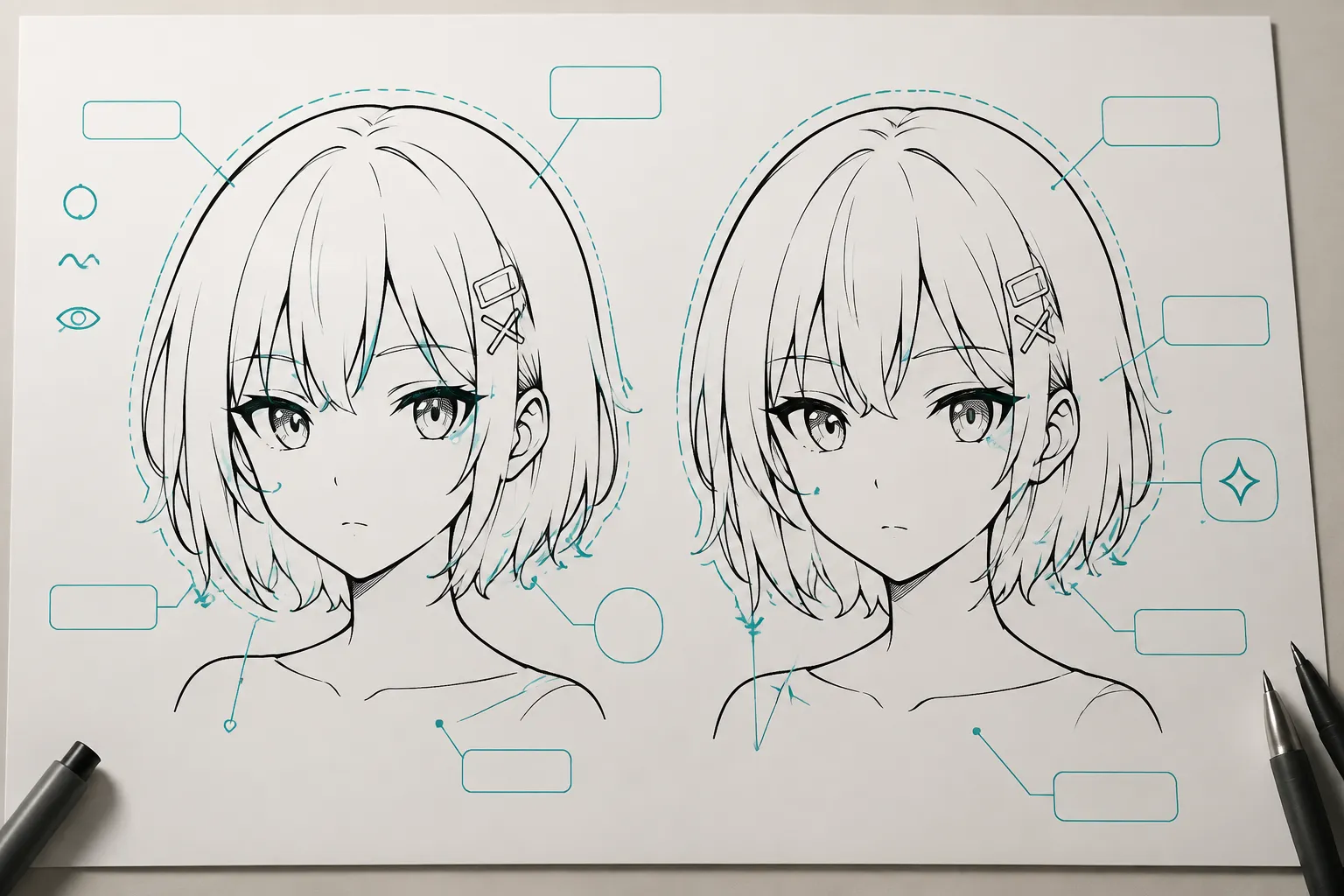
Status: Decided when the intended line language is named. Provisional when styles are still being compared.
Next check: Compare two concept previews at the intended viewing size.
6. Negative Space, Counters, Bridges, and Gaps
Identify the open areas that carry meaning or need review. Call out enclosed counters, narrow gaps between contours, bridges connecting enclosed areas, small interior openings, and details that may be removed if the composition becomes crowded.
The brief can state that a counter must remain open, two forms should not merge visually, or an interior detail is optional. It should not claim that one gap is sufficient for every machine or material.
A path view can reveal the geometry. The shop operator or relevant supplier documentation must address process-specific limits.
Status: Decided when important open areas are identified. Shop-dependent when the question concerns actual processing limits.
Next check: Inspect the path view and route material or equipment questions to the responsible shop contact.
7. Color and Layer Constraints
State whether the concept is single-color, layered, or still open. For single-color line art, record the foreground and background relationship, whether filled areas are allowed, which details share a layer, and whether color differences are visual references or actual file layers.
For layered work, name each layer's purpose. Examples include outer contour, interior structural lines, optional decorative detail, text or mark, and background placement reference.
Color in a concept preview does not automatically define production layers. The file structure and handoff status should state what each layer represents.
Status: Decided when the layer logic is clear. Provisional when colors only compare concepts.
Next check: Confirm whether the shop expects visual layers, path layers, or another file structure.
8. File Expectations and Approval Status
Record what the recipient should review and what has been approved. Possible stages include a reference image, concept preview, annotated sketch, path view, cleaned vector draft, test-piece record, or approved production file.
Identify who approves the subject, placement, and final visual direction. List unresolved items and note whether material review or a test is still required.
Approval should attach to a specific decision. “Approved” without a scope can confuse an approved concept with an approved production file.
Status: Decided when the review stage and owner are named.
Next check: Ask the approval owner to confirm the exact version and unresolved items.
Optional Line-Art Brief Details
Optional details can improve interpretation without blocking the next clear action. They may include alternate reference images, a short mood description, secondary decorative marks, several possible line styles, suggested texture, a presentation-only background scene, an unconfirmed color palette, or a future size variant.
Label each suggestion as optional. Otherwise, a shop may treat it as a requirement.
- Optional: include two small stars if they do not crowd the primary silhouette.
- Optional: compare a clean contour with a lightly varied line treatment.
- Optional: retain the background landscape only in the presentation mockup.
The preview can show these ideas, but it cannot confirm their suitability for a particular material or process.
Decided, Provisional, Optional, or Shop-Dependent
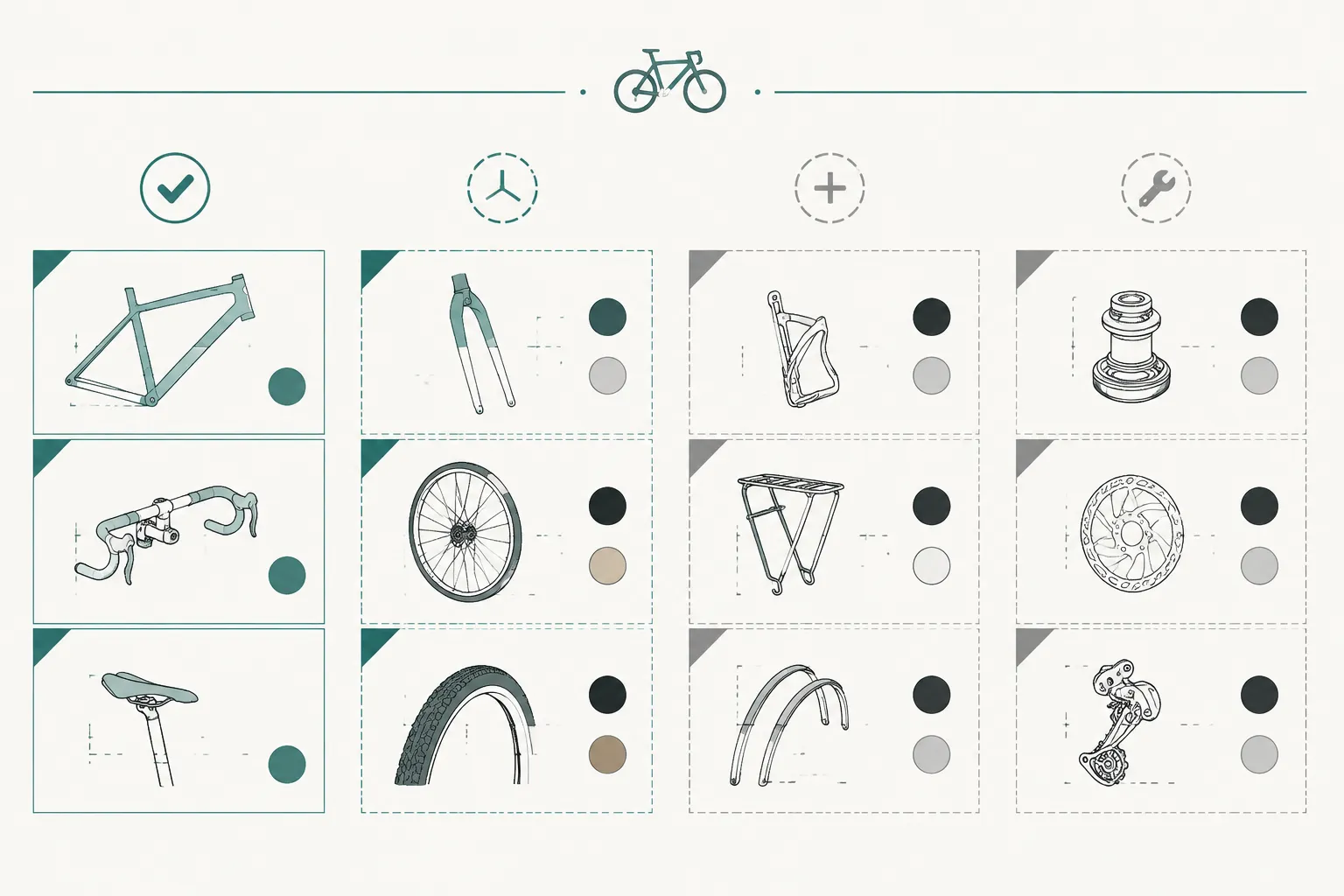
| Status | Meaning | Example |
|---|---|---|
| Decided | The current brief has a clear answer. | The subject is a side-profile bicycle. |
| Provisional | A working choice is still being reviewed. | The interior spokes may be simplified. |
| Optional | The detail can be omitted without changing the main assignment. | Decorative stars may be included. |
| Shop-dependent | The answer requires process, equipment, material, or operator input. | The smallest open gap needs process-specific review. |
Ownership labels keep unresolved questions visible:
- Client: subject, message, placement preference, and visual approval.
- Designer: interpretation, contour hierarchy, simplification proposal, and layer organization.
- Shop operator: workflow requirements, equipment constraints, material questions, and process review.
- Rights holder or responsible specialist: source permissions and questions outside visual design.
These labels clarify who must answer a question. They do not mean the answer has already been settled.
A Compact Example
Consider a hypothetical brief for a small single-color bicycle mark.
Decided: side-profile bicycle; visual direction for a small customization item; centered placement on the front face; horizontal orientation; clean outer silhouette with limited interior lines; concept preview for approval.
Provisional: whether to retain the chain detail, use one continuous frame contour, or simplify the handlebar.
Optional: small motion lines, a secondary badge, or decorative terrain beneath the wheels.
Shop-dependent: final treatment at the intended size, revision of counters and gaps, required path structure, material and equipment review, and whether a test piece is appropriate.
The example separates the visual decision from the later production decision. It gives the recipient a clear next step without suggesting that the concept preview settles every downstream question.
Common Misunderstanding
A detail is not mandatory merely because it appears in a reference image. A background object may be visible but irrelevant. A line may describe surface form but add little value at the intended scale. A color may distinguish layers in the preview without belonging in the final artwork.
Likewise, machine settings, material behavior, ventilation, safety, legal rights, and compliance outcomes do not become design decisions simply because they appear in a brief. Route each question to the relevant shop operator, manufacturer, supplier, rights holder, or qualified local professional.
Scope Limit
The available sources support the communication role of briefs and sketches, collaborative interpretation, contour terminology, and graphics documentation. They do not establish a validated mandatory-versus-optional checklist for every line-art shop handoff, nor do they provide universal production thresholds.
Use the checklist to expose decisions and ownership boundaries. Confirm process-specific questions against the exact shop, equipment, material, file workflow, and approval context.
Final Handoff Check
- The required subject is named, visible, and separated from exclusions.
- The output purpose and review stage are stated.
- Dimensions, placement, orientation, and line treatment are recorded.
- Important counters, bridges, gaps, layers, and single-color constraints are identified.
- Every unresolved process, material, equipment, rights, or approval question has an owner.
Mark each field as decided, provisional, optional, or shop-dependent. Then send the brief with the exact concept preview or path view the recipient is expected to review.
Sources
- AI assistance in enterprise UX design workflows: enhancing design brief creation for designers
- Briefing Illustrators: Revisiting the Value of Sketch Images
- Visual communication in engineering design: impact of line work in explanative sketching | Proceedings of the Design Society | Cambridge Core
- A/E/C Graphics Standard: Release 2.2
- Where to draw the line? | PLOS One
- Line drawings from 3D models: a tutorial
- Line by line, part by part: collaborative sketching for designing | International Journal of Technology and Design Education