Line-Art Concept Briefs
A useful line-art design brief separates four kinds of information: mandatory content, optional preferences, unresolved decisions, and shop-dependent checks. Without those labels, a polished concept preview can conceal uncertainty about contours, scale, source files, approval, rights, and proof stages.
The brief should not replace vector cleanup, process setup, material review, or testing. Its narrower job is to preserve visual intent while exposing every decision that remains open.
More specific pages
These pages continue the topic in smaller, more specific directions.
Separate Requirements From Preferences
A mandatory element defines the concept's identity or approved content. It might be a required subject, recognizable outer contour, name, date, or protected monogram detail. Removing it would produce a materially different concept.
An optional preference describes a direction without making it a condition of approval. Examples include a heavier outer stroke, less interior texture, rounded line endings, or either of two border treatments.
Unresolved decisions require an answer from a named customer, reviewer, rights holder, or shop contact. Shop-dependent checks require production context. The brief records each question and its owner without inventing an answer.
| Status | Meaning | Line-art example | Next action |
|---|---|---|---|
| Mandatory | Must be preserved | Required subject, wording, contour, or protected detail | Confirm it appears in every concept |
| Optional | May vary within stated limits | Stroke character, texture density, or border style | Compare alternatives |
| Unresolved | A decision is still required | Whether initials overlap or remain separate | Route the question to its approval owner |
| Shop-dependent | Requires production context | Whether a narrow gap remains distinct at the intended scale | Request the relevant proof or test |
This classification is an editorial tool, not a production specification. Its value comes from showing where interpretation is permitted and where another decision is required.
Choose the Right Level of Detail
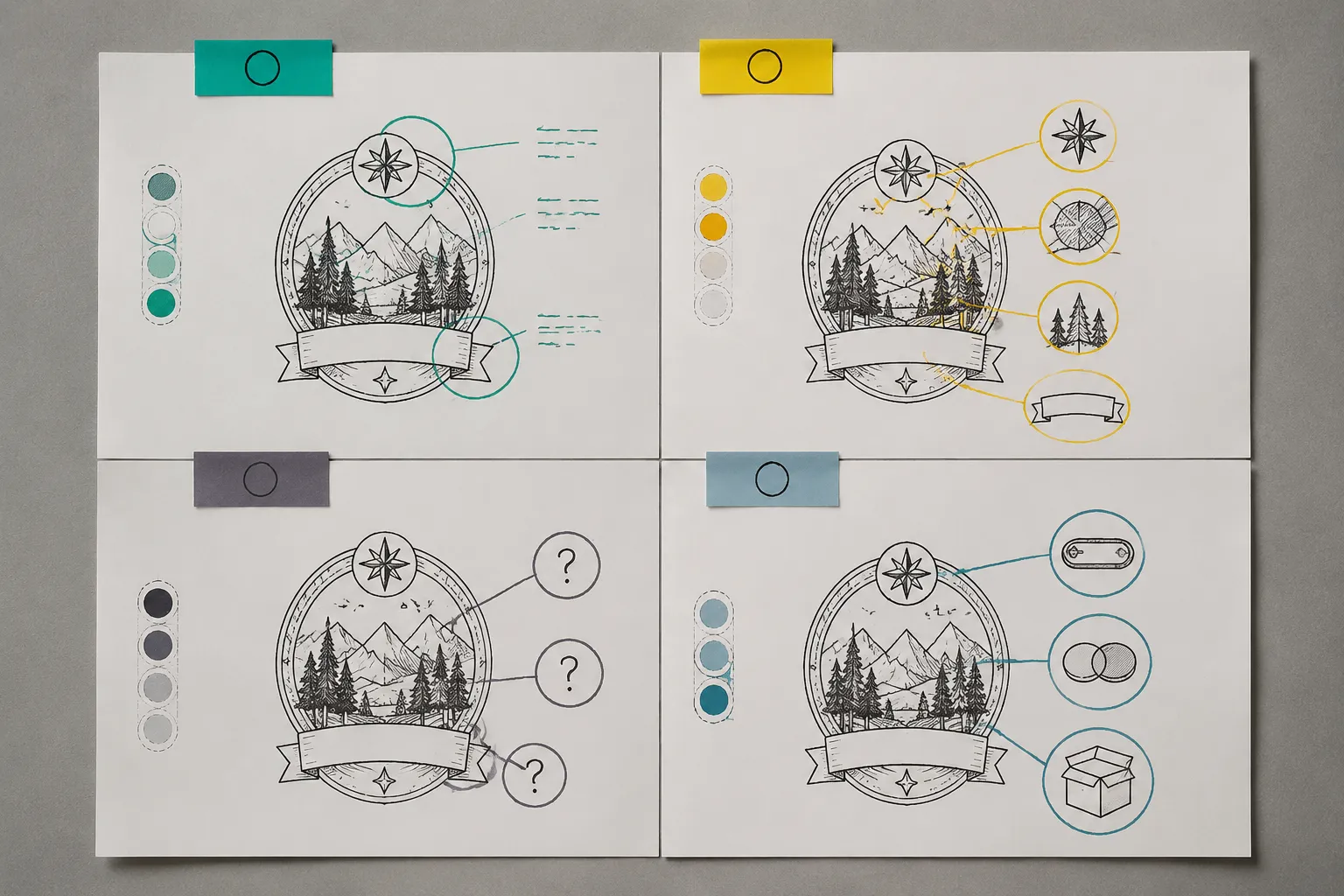
A brief can be too open or too restrictive. Research on professional design briefs examines how textual and visual material works at different levels of abstraction. The Nordes study describes how more specific stimuli can focus attention, while highly abstract material leaves a broader range of interpretations.
Applied to line art, "make it rustic" leaves the operative choice unclear. Rustic might refer to uneven contours, distressed gaps, natural subject matter, line variation, or the border shape.
"Preserve the cabin silhouette and three pine trees; surface texture may be simplified" is more bounded. It fixes identifying content while leaving room to compare treatments.
The opposite problem appears when every mark in a reference image becomes mandatory. That can block useful simplification even when only the subject and general composition were selected.
- Fixed identity: content that cannot change without changing the requested design.
- Bounded variation: details that may change within stated limits.
- Open direction: areas where alternatives are deliberately invited.
- Pending decision: an item that nobody has approved yet.
- Production dependency: a question that the receiving shop must assess in context.
The goal is not maximum detail. It is enough detail to prevent silent assumptions.
Identify What Carries the Concept
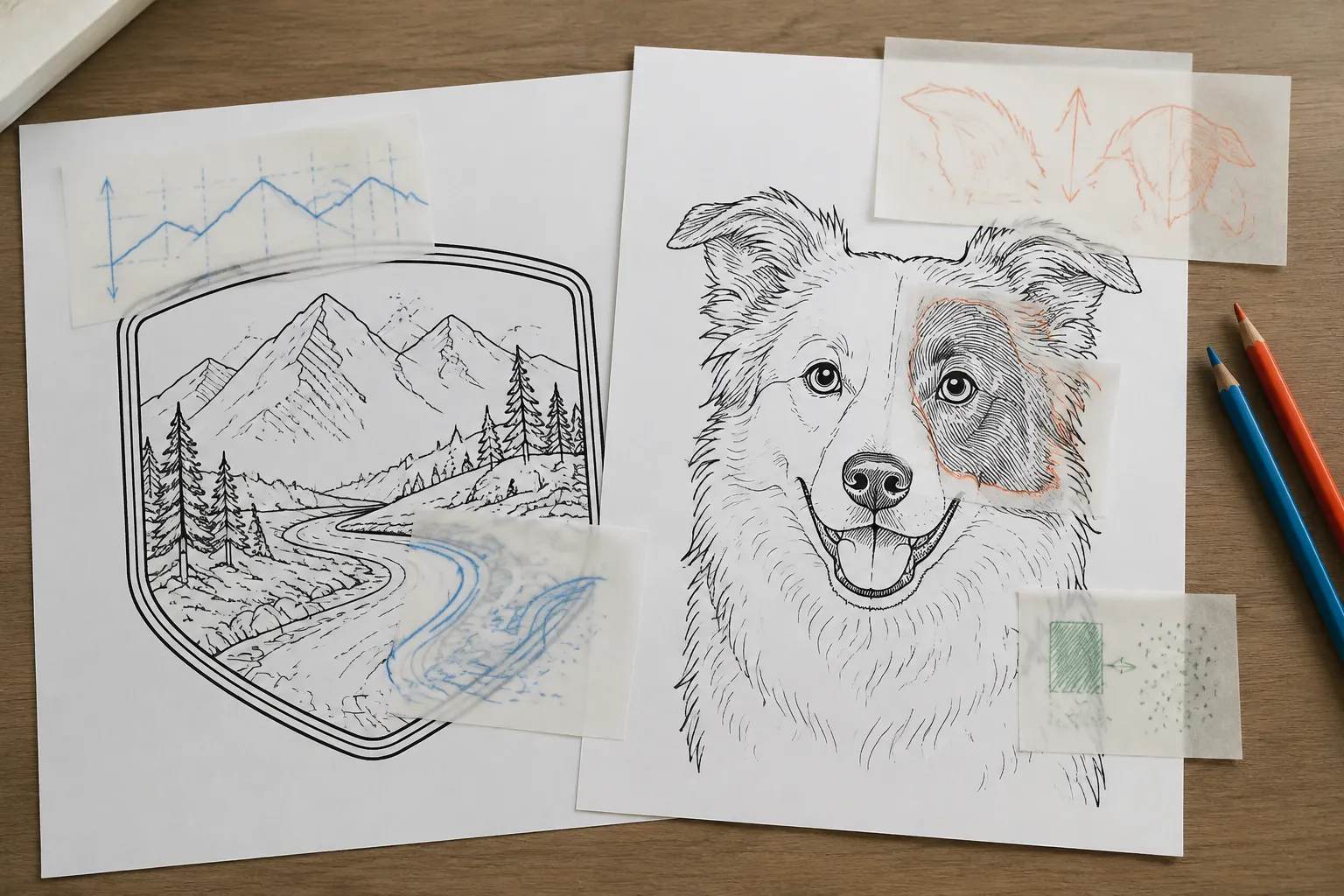
Begin with the features that make the design recognizable. For a landscape badge, those might be a mountain profile, river bend, and specified name. For a pet portrait, they might be an ear shape, facial patch boundary, and collar tag.
Avoid marking the entire reference image as required. Isolate the visible features that carry identity, reading order, or approved composition.
- The required subject and orientation
- The outer contour that must remain recognizable
- Required wording, numerals, or initials
- Features that distinguish the subject from a generic substitute
- Elements that may move without changing the concept
- Elements that may be removed if clarity declines
Pair each requirement with an inspectable cue. "Keep the distinctive notch in the left peak" can be reviewed. "Keep its character" cannot, unless the brief names the marks that create that character.
Protect Details Selectively
Protected details are specific contours, counters, bridges, gaps, or layer relationships that should survive revision. They may include the open counter inside a letter, separation between overlapping leaves, or a break in a circular border.
State why each detail matters: recognition, legibility, composition, prior approval, layer order, or collection consistency. Marking every line as protected erases the distinction between concept intent and incidental drawing detail.
A protected feature can still require review at the intended size. Record its visual importance and its unresolved production status as separate facts.
Authorize Simplification by Category
Do not rely on a general instruction to "clean up" the artwork. State which categories may change and which changes require another proof.
- Interior texture may be reduced.
- Repeated small marks may be consolidated.
- Background details may be omitted before foreground contours.
- Minor asymmetry may be retained or normalized.
- Overlapping contours may be separated for clarity.
- Small enclosed spaces may be opened with approval.
- Letterforms may change only through a new composition proof.
These permissions define the design boundary. They do not prescribe vector-editing methods or process settings.
Compare Line Treatments by Visible Consequence
Line treatment changes how a concept reads, but a styling preference is not a production finding. A clean contour may make relationships easier to inspect. Variable strokes or distressed marks may add emphasis while creating more close edges and small gaps.
A study of line work in explanatory sketching found that responses varied with object complexity, participant background, and viewing conditions. Its participants were mechanical engineering graduate students, so the result should not be generalized to customers, artists, or production shops. The useful principle is narrower: compare treatments in the actual concept.
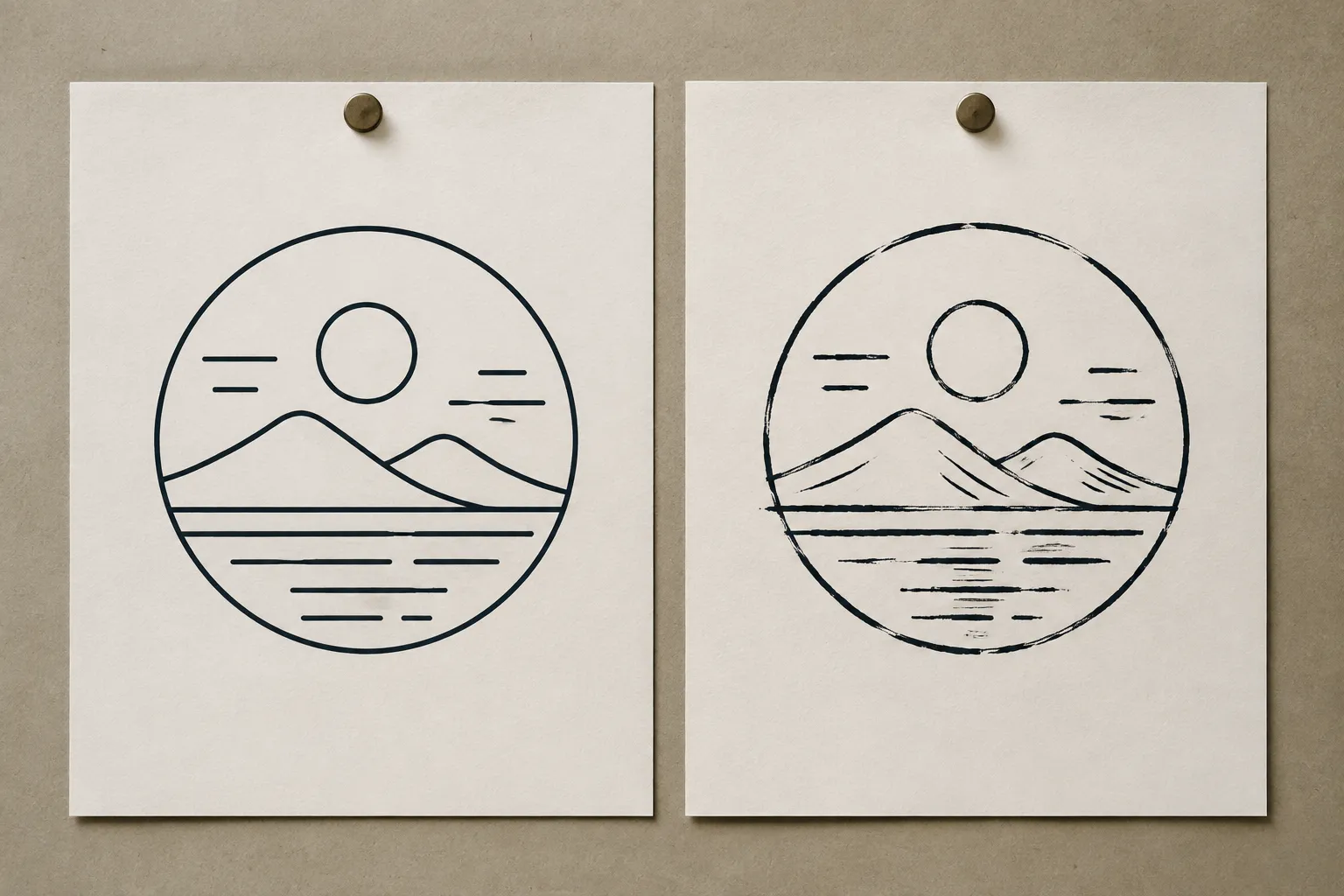
Clean Contour Concept
The preview shows a continuous outer edge and restrained interior detail. The subject is easier to inspect at a glance, while texture receives less emphasis. Confirm that simplification preserves the approved identity-bearing features.
Variable or Textured Concept
The preview shows changes in stroke emphasis or intentional surface detail. The concept carries more visual variation, but close marks need separate review at the intended scale. Document which irregularities are deliberate before cleanup begins.
The brief need not declare a context-free winner. Record the preferred direction, an acceptable alternative, and the condition that would trigger reconsideration.
Record Scale and Artifact Limits
A concept can look clear in a large preview while becoming ambiguous at its intended dimensions. Record the proposed physical size or size range. If dimensions are unknown, mark scale as unresolved rather than substituting the size of an on-screen image.
- The size at which the concept was reviewed
- The intended artwork dimensions
- Smaller or larger variants under consideration
- Whether one artwork version is expected to serve every size
- Which details may change between variants
- Who decides whether a simplified version is needed
Adjacent drawing standards make scale and document status visible because missing context changes interpretation. That principle is useful here, but those standards do not impose engineering requirements on a line-art handoff.
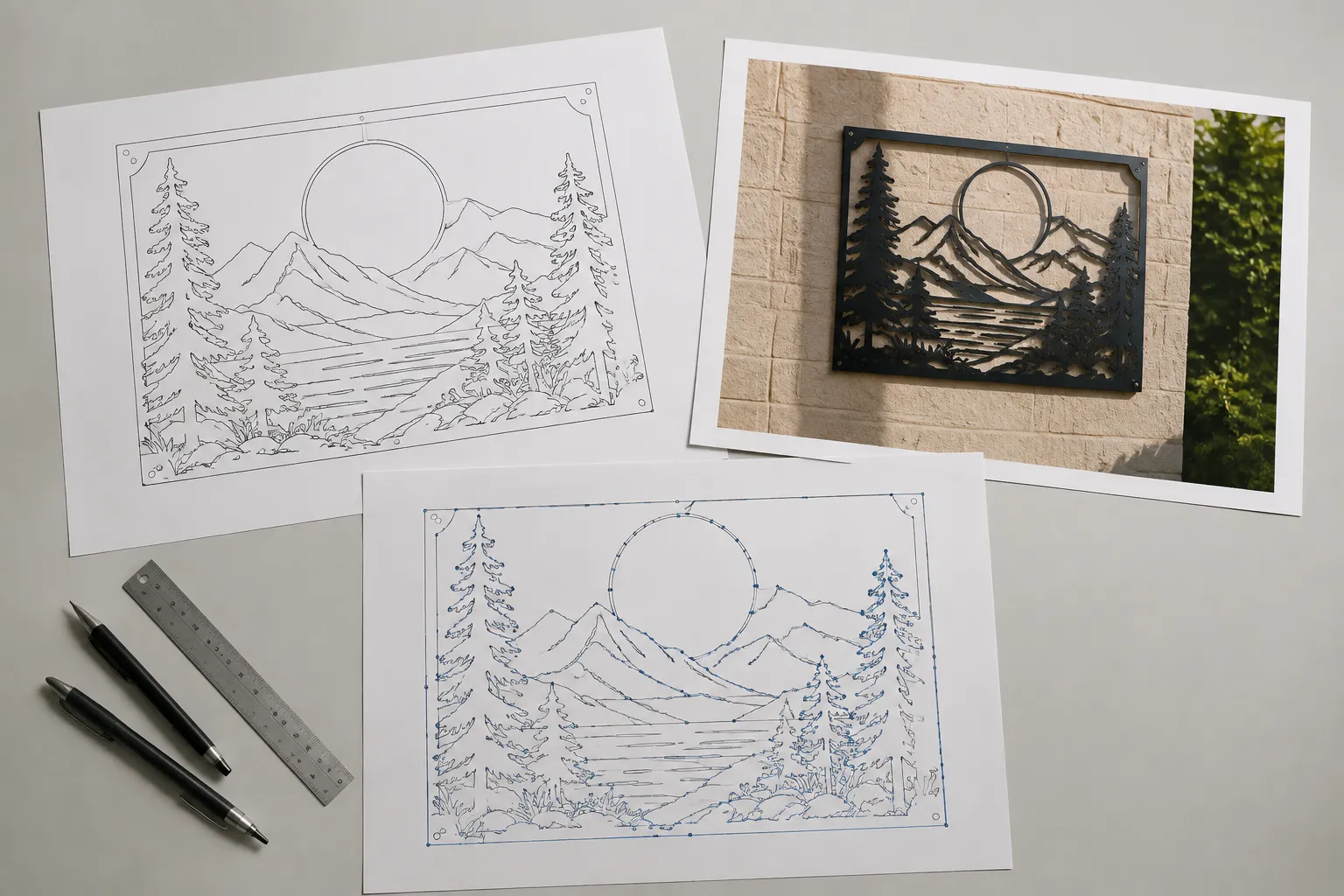
Concept Preview
A concept preview shows composition, apparent line relationships, placement, wording, and overall direction. A material-context mockup can show intended proportion on a plaque, sign, or gift item.
Neither artifact records actual output. Apparent texture, depth, contrast, edge quality, and scale in a mockup are not test results.
Path View
A path view indicates how contours, gaps, layers, fills, and individual paths are structured. It may reveal doubled paths, open contours, hidden overlaps, excessive nodes, or unclear layer ownership.
A visible path is evidence of intent, not proof of machine readiness. Dimensions, file interpretation, material behavior, and process requirements remain separate questions for the receiving shop.
Declare File Status and Decision Ownership
"Vector supplied" does not describe the source well enough. Record what was received: an editable original, exported vector, traced derivative, raster reference, scan, or composition assembled from several inputs.
- Source format received
- Whether editable paths are present
- Whether fonts remain live or were converted
- Whether linked or embedded elements are included
- Whether the file is an original working file or export
- Which version the customer reviewed
- Which elements remain references rather than approved artwork
An editable file is not automatically an accepted production file. Replace ambiguous labels such as "final" with a stated stage: selected concept, approved composition, cleaned path file, accepted proof, or released production artifact.
Attach an owner to every pending decision. The customer may approve subject, wording, and permitted simplifications. The shop owns process-specific review. A rights holder or source owner may need to answer a permission question.
Approval must identify both artifact and stage. Approval of a concept preview does not automatically extend to later path cleanup, a mockup, or a test-piece record.
Keep Rights Questions With the Concept
Record where each supplied image, font, symbol, pattern, or graphic element came from. Preserve applicable source terms or rights-holder documentation in the project record when available.
Source documentation does not itself settle permission for the intended use. If status remains unclear, label the question unresolved and identify its owner.
- Source supplied by
- Original creator, if known
- Source-file location in the project record
- Stated permission or license status
- Intended use described to the reviewer
- Elements requiring separate confirmation
- Decision owner, date, and supporting record
File access, image quality, a purchase receipt, or prior use may be relevant records. They should not be treated as resolving every rights question.
Request a Proof That Answers the Current Question
"Send a proof" can refer to several different artifacts. Name the stage and the decision it supports.
- Concept comparison
Use this while subject, composition, or style direction remains open.
- Composition proof
Use this to approve placement, wording, hierarchy, and protected details before path work is complete.
- Path review
Use this to inspect contours, layers, fills, open paths, and construction marks.
- Material-context mockup
Use this to assess intended placement and visual proportion. Label it as a mockup, not output evidence.
- Test-piece record
Use this to document an actual sample under stated conditions. Record equipment, material, settings, dimensions, file version, and observations when available.
- Final release
Use this after the named owner accepts the required preceding stage and remaining dependencies have been routed. State what is released and for which next action.
A test-piece record supports only its documented context. Different equipment, materials, dimensions, files, or operating conditions require their own review.
Example: Two Cabin Badge Concepts
Consider a hypothetical circular cabin badge intended for a small plaque and a larger sign. Required content includes a cabin, three pine trees, a mountain outline, and a family name.
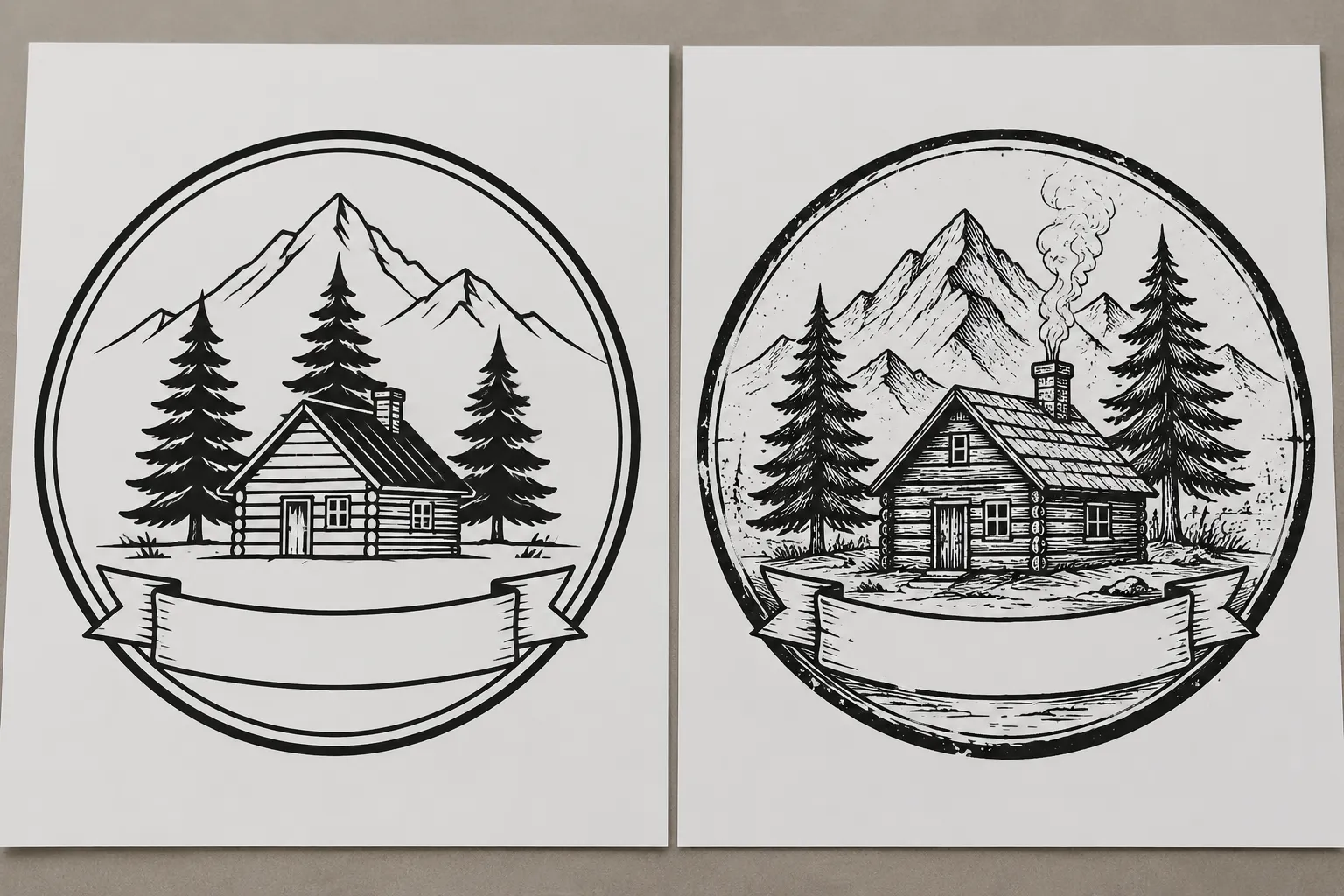
Concept A uses one clean outer contour, limited cabin detail, and open spacing around the lettering. It preserves the main subject while reducing texture.
Concept B adds branch marks, wood-grain lines, smoke, and a distressed border. It carries more surface detail but introduces more close line relationships.
"Use Concept B, but simplify it if needed" leaves the most consequential decisions hidden. A scoped brief records them:
- Mandatory: cabin silhouette, three trees, mountain outline, and approved family name.
- Protected: the first letter's open counter and the gap between chimney and mountain contour.
- Optional: smoke, wood-grain marks, and distressed border treatment.
- Permitted simplification: reduce branch marks before changing tree count or outer profiles.
- Unresolved: whether the smaller plaque needs separate simplified artwork.
- Shop-dependent: inspect close gaps and detail behavior at both intended sizes.
- Source status: concept preview and editable paths received; font status remains unconfirmed.
- Rights status: the mountain reference requires review by the named owner.
- Approval route: composition proof first, followed by path review and any context-specific sample the shop requests.
This version preserves creative intent while exposing dependencies. It does not supply technical settings or resolve the outstanding source question.
Build the Handoff in Seven Passes
- Isolate fixed content. List the subject, wording, contours, and relationships that define the concept.
- Mark protected details. Identify counters, bridges, gaps, layers, and edges that require approval before alteration.
- Define permitted variation. Separate styling preferences from structural simplifications.
- Record open questions. Turn each unresolved issue into a specific decision with a named owner.
- Add context. State dimensions, product variants, known material context, file status, and requested proof stage.
- Route production checks. Send equipment, material, ventilation, setup, and process questions to the receiving shop and relevant current documentation.
- Capture approval by stage. Record the reviewed version, the scope of approval, and anything still provisional.
Each pass has one purpose. A single "approved" checkbox hides the boundaries that the design brief is meant to expose.
Final Handoff Check
- What subject, contour, wording, and details are mandatory?
- Which visible details are protected, and why?
- What may be simplified without changing the approved concept?
- Which styling choices remain preferences?
- What is unresolved, and who owns each decision?
- What depends on the receiving shop?
- At what physical dimensions will the concept be reviewed?
- What is the source-file status?
- Which artifact version received approval?
- Which rights questions remain open?
- What proof, path review, or sample comes next?
- What does the current approval exclude?
Route the brief when fixed content, permitted variation, ownership, and the next proof stage are visible. Keep unresolved production and rights questions attached to the artifact until the responsible party answers them.
Sources
- Decoding design briefs: The role of abstraction levels in textual and visual stimuli
- A/E/C Graphics Standard : Release 2.2
- Implementation of ISO 10110 optics drawing standards for the National Ignition Facility
- Bridging disciplines: an analysis of collaboration and communication in technical drawings based on geometrical product specifications (GPS)
- Visual communication in engineering design: impact of line work in explanative sketching