
Material Supplier and Equipment Documentation Checkpoints
An appealing preview does not settle the material or equipment question. A useful shop handoff also names the exact stock, the laser context, the intended process, the supplier documents, and the person who owns each unresolved decision.
This laser engraving material guide covers that middle stage. It helps a reviewer decide whether the available information can move toward a material-specific test, or whether missing identity and machine details still control the next step.
A label such as “wood,” “plastic,” or “metal” starts the conversation. It does not complete the material record.
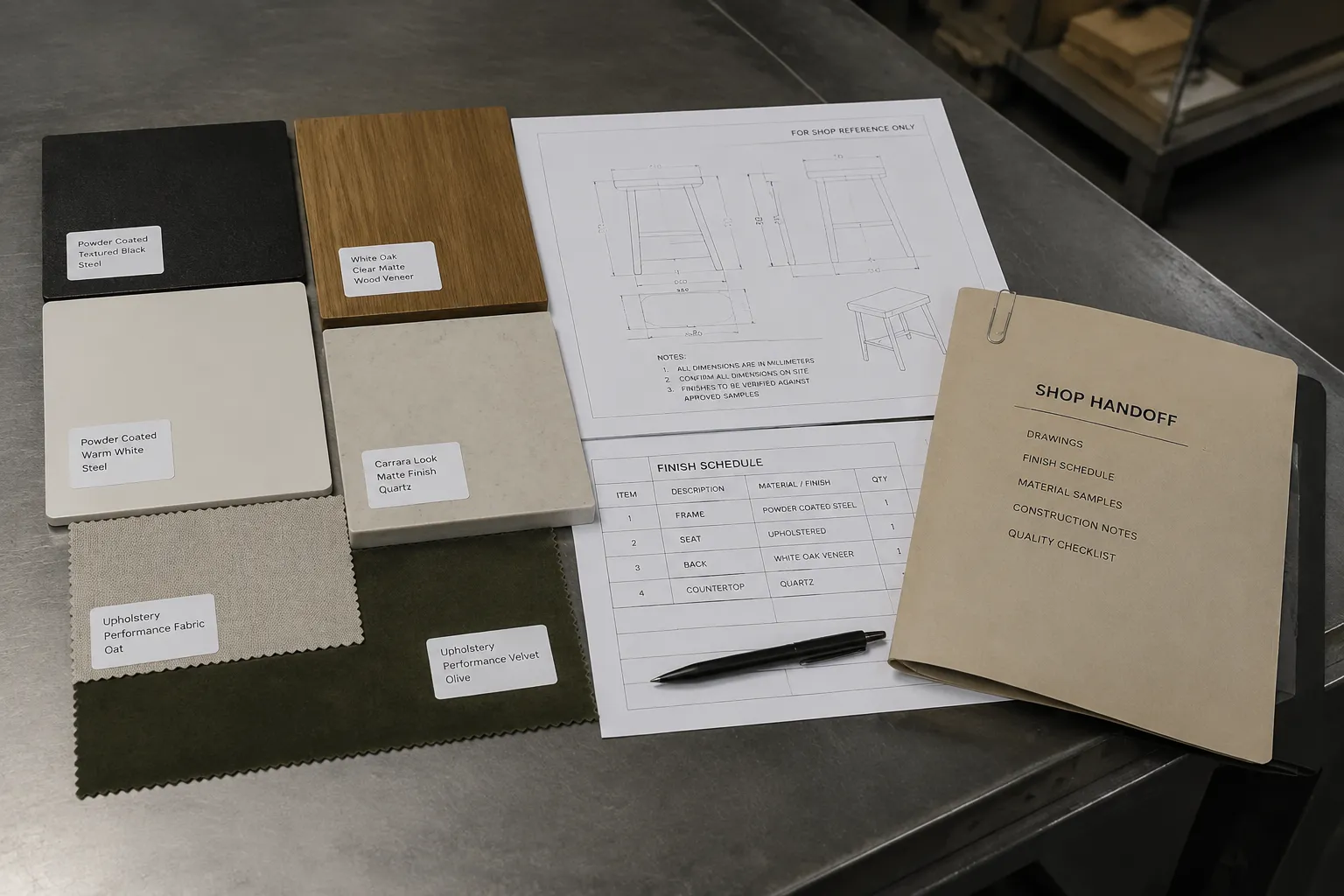
Start With the Material Identity Record
Record the exact stock under consideration before judging the concept against a process. Add the properties that could change the question being tested.
- Product name, grade, or product code
- Composition
- Supplier
- Batch or lot, when available
- Product variant
- Thickness
- Color and surface finish
- Coating, laminate, adhesive, or backing
- Density or other relevant product properties
- Flatness and surface condition
- Intended use stated by the supplier
- Available technical and safety documentation
The preview may show a smooth dark sheet. That cue does not establish whether the sheet is solid stock, coated material, laminated material, or a composite with an adhesive layer.
Match the visible sample to the supplier’s product identity and current documentation. Keep the result classified as decided, provisional, shop-dependent, or missing.
| Information state | Example | Handoff meaning |
|---|---|---|
| Decided | Exact product name and thickness are recorded | The shop can locate the intended stock. |
| Provisional | The supplier is known, but the batch is not | The test may need repetition when incoming stock changes. |
| Shop-dependent | Coating behavior or surface response remains unresolved | The shop owns the test and approval decision. |
| Missing | Composition is unavailable | Appearance alone is insufficient for material identity. |
Why Generic Material Names Leave Gaps
Two products can share a market category while differing in composition, finish, thickness, or surface treatment. Those differences can change how the material responds to the intended operation.
“Laserable sheet” is useful market language, but it does not replace a product identity. The same applies to labels such as “engraving plastic” or “metal plate.” A supplier may separate one product family by variant, application, or processing method.
Mark what is decided and what still belongs to the shop. That separation keeps a concept preview from becoming an assumed production material.
Match Material Identity to the Equipment Record
The material record describes the stock. The equipment record describes the system used to process it. They answer related questions, but they should not be merged.
Record the equipment context before treating a test result as relevant to the current job:
- Machine model
- Laser type
- Optical power, where the shop records it
- Lens or focus context
- Processing area, where relevant
- Engraving mode
- Process category
- Software or preset identity
- Test date
- Operator or approval owner, where the shop uses those fields
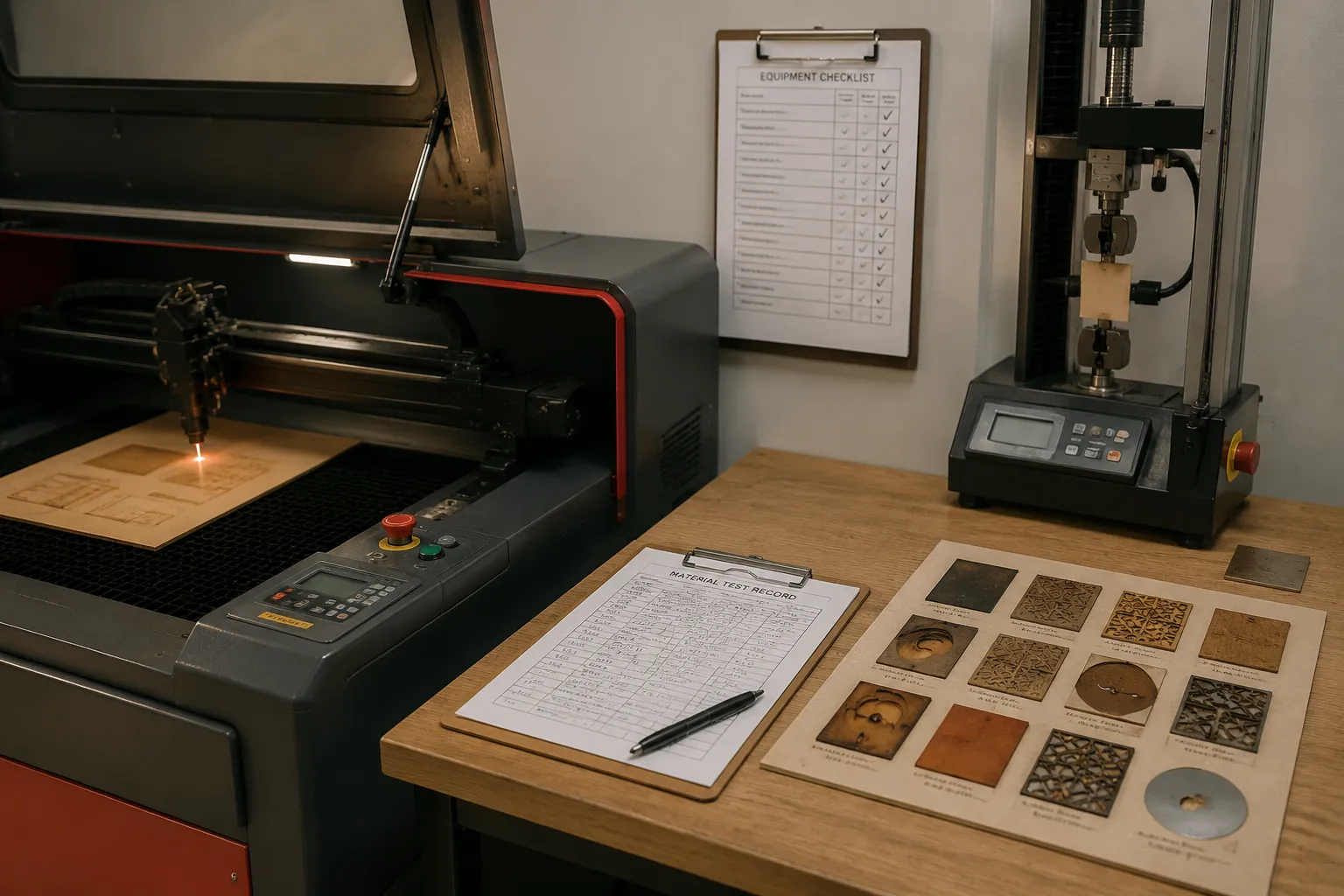
Laser type belongs beside material composition because the interaction depends on both the source and the stock. A manufacturer’s example involving a named acrylic-based sheet can illustrate that relationship, but it remains specific to the documented product and equipment context.
Do not expand a product-specific example into a conclusion about every acrylic sheet, laser, or machine. Record the source scope beside the material and equipment fields.
Keep the Process Category Separate
State whether the intended operation is engraving, marking, etching, cutting, or a combination. A surface-marking question and a through-cut question require different checks.
The requested depth also matters. A shallow contrast change, a tactile groove, and material separation are different process objectives. A preview may show only the intended contrast, while the shop still needs to establish what material change is actually requested.
For reflective metal, identify the exact equipment and process context. Model-specific documentation may distinguish equipment, reflective conditions, marking limits, and possible surface changes during prolonged processing. Those notes remain within the named model and stated conditions.
Record Thickness, Finish, and Surface Layers
Thickness is not only a dimension on a product page. It can affect whether the intended operation is surface-focused, depth-oriented, or related to cutting.
Enter thickness in the material identity record and repeat it in the test-piece record. A result on one thickness should remain tied to that thickness unless the shop documents a separate comparison.
Finish and coating need their own fields. A polished, painted, anodized, laminated, or otherwise treated surface may change the visible mark and the process question. The substrate may not be the first surface the laser encounters.
Ask the supplier or shop to confirm:
- Whether the stated finish is integral or applied
- Whether a coating covers the intended marking area
- Whether adhesive or backing remains during processing
- Whether the product has multiple surface variants
- Whether the documents cover the exact product variant
Specific entries such as anodized aluminum, coated metals, Delrin, and fiberglass are more actionable than one broad “metal” or “plastic” row. A material-context mockup can show the intended contrast. It cannot confirm how a coating, adhesive, or substrate will behave during the actual process.
Build a Supplier Documentation Checkpoint
Supplier documentation should establish identity first. Product language can help locate a category, but it is not independent confirmation of compatibility, handling, or output quality.
Request the current documents associated with the exact product or grade:
- Technical datasheet
- Safety datasheet
- Product specification
- Variant or finish description
- Batch information, when available
- Processing notes for the named material
- Stated limitations or exclusions
- Document date or revision
Supplier material information can provide a useful structure for recording composition, intended indoor or outdoor use, processing categories, and related technical documents. Those fields expose the supplier’s stated scope so the shop can compare it with the equipment documentation and intended operation.
They do not certify the material for a particular shop. They make the next question more precise.
Missing Documentation Is a Decision State
Missing documentation does not automatically answer the process question. It changes the handoff status and identifies who must resolve it.
- A named product with a current composition record can move to equipment review.
- A named product without composition information needs supplier clarification.
- A coated board with an unidentified surface layer needs a more specific document check.
- An unknown plastic should not be classified from appearance alone.
- Uncertain adhesive or backing should remain visible in the record.
For unknown plastics, coated boards, and synthetic leather, route questions to the current equipment manual, the exact supplier technical and safety documents, the shop operator, or a qualified local professional. A category guess is not a substitute for material identity.
Create a Material Test Record Before Testing
A material test record connects the stock identity to the machine and the observed result. Software documentation commonly identifies fields such as speed, power, interval, passes, frequency, laser type, engraving mode, and preset identity for a recorded material test.
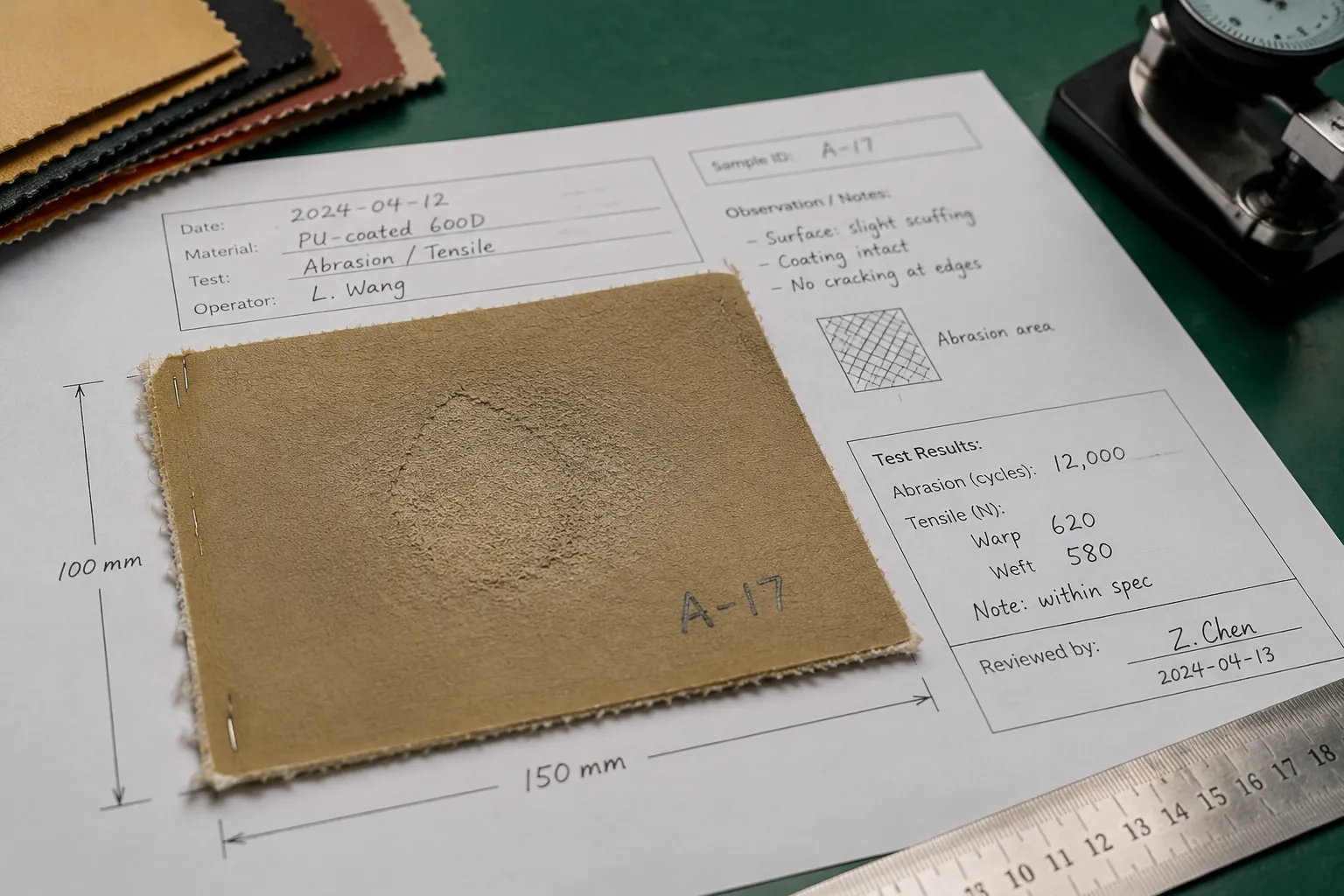
A useful record can also include:
- Product name or grade
- Composition, thickness, color, and finish
- Coating or adhesive
- Supplier and batch
- Machine model and laser type
- Optical power and lens or focus context
- Process category and software mode
- Speed, power, interval, frequency, pass count, and PPI when used by the shop
- Test-piece dimensions and marking location
- Date
- Observed surface, edge, and contour result
- Approval status
- Open questions
These fields describe one test context. They do not create universal machine settings. The test piece records what happened under the named conditions; it does not establish the same result for another machine, lens, batch, material variant, or thickness.
Keep Results Descriptive
Use observations that another reviewer can inspect:
- The mark is visible at the recorded location.
- The contour shows an irregular edge.
- The coating remains unresolved.
- The two named engraving modes produce different recorded results.
- The sample was made on the recorded machine and material.
Approval ownership should be explicit. The designer may confirm artwork geometry. The shop may confirm material and equipment behavior. The customer may approve the visible concept. Those decisions should not become one general sign-off.
Separate Modes, Presets, and Borrowed Settings
Shop language may include settings, presets, board sizes, Photo engrave, or 3D engrave. Those terms reveal what a reviewer expects to compare, but they still need to remain distinct variables.
A community workflow report may describe Photo engrave and 3D engrave as separate modes worth testing. Without complete machine, material, and result context, such a report cannot support a general performance conclusion. Its narrower value is to show that mode identity belongs in the test record when the shop expects a mode change to affect the result.
A borrowed setting can be a starting reference. It is not transferable proof. Record its source context, then compare the exact material, machine, and process conditions before using it as a local test input.
A reusable preset should retain its identity and origin. Separating it from the material and equipment fields removes the information needed to judge where it came from.
Separate Compatibility Evidence From Production Approval
Compatibility matrices can organize material and equipment questions. An entry may show that a manufacturer has documented a named material category, process, or product variant. It remains different from approval for a specific job.
| Status | What it establishes |
|---|---|
| Documented scope | The source names the material, equipment, or process. |
| Test context | A sample exists with stated conditions. |
| Pending confirmation | One or more identity or equipment fields are missing. |
| Shop approval | The responsible shop has accepted the result for the stated job. |
| Production file | The artwork and handoff information are approved for the intended run. |
Do not move directly from a compatibility listing to an approved production file. A matrix can identify a route for checking, but it cannot confirm every batch, finish, thickness, geometry, or final artwork.
Manufacturer documentation also stays within its own scope. Reflective-metal notes apply to the models and conditions named in that documentation. Compatibility entries apply to the listed equipment and material variants. Neither establishes universal output or workshop conditions.
Document Marking Location and Character Size
A handoff can remain unclear even when the material and machine are named. The marking location, orientation, or character size may still be provisional.
Drawing guidance for direct part marking offers a practical communication pattern: identify the marking area with a note, flag, or bounding area, then state character-size requirements where they affect the job.
For a handoff drawing or production brief, identify:
- Surface or part face
- Marking location and orientation
- Bounding area
- Minimum character size
- Clear space around the mark
- Whether the mark is decorative, informational, or traceability-related
- Whether the location is confirmed or provisional
A centered badge in a concept preview may become a defined offset, maximum width, or minimum readable character size in the production file.
The path view can confirm geometry. The material test can confirm a recorded surface response. Neither one alone confirms the complete handoff.
Check Artwork Decisions Against Material Constraints
Review artwork after the material and process questions are visible. Narrow bridges, small counters, tight gaps, and fine strokes can become decision points at the intended scale.
Inspect the concept for:
- Stroke width
- Counter size
- Bridge strength
- Gap width
- Contour density
- Layer separation
- Edge clearance
- Marking scale
- Text character size
- Areas requiring different depths or finishes
The purpose is not to predict a machine result from a preview. It is to identify what the shop test must observe.
For example, a badge with thin interior gaps may need a recorded check for whether those gaps remain distinct at the intended size. A layered line-art concept may require separate decisions for each material layer. A small monogram may need a character-size review before anyone treats the artwork as a production file.
Keep each observation tied to the named stock and process. The same artwork can behave differently when scale, finish, or operation changes.
Route Material Restrictions to the Right Source
Questions about emissions, ventilation, reflectivity, and material restrictions belong with the current equipment manual, exact supplier documentation, shop operator, or qualified local professional.
The available sources do not support universal statements for every laser, material, or workshop. Manufacturer notes can define the boundaries of a named system. Supplier documents can identify the composition and stated handling information for a named product. The shop still has to connect those documents to its own equipment and process.
Give particular attention to:
- Unknown plastic composition
- Coated or laminated board
- Adhesive-backed material
- Synthetic leather
- Highly reflective surfaces
- Unusual composites
- Unclear supplier labels
- An operation that differs from the documented use
A phrase such as “laserable” or “suitable for engraving” does not replace a review of the exact product, process, equipment, and supporting documents.
Use a Compact Handoff Decision Path
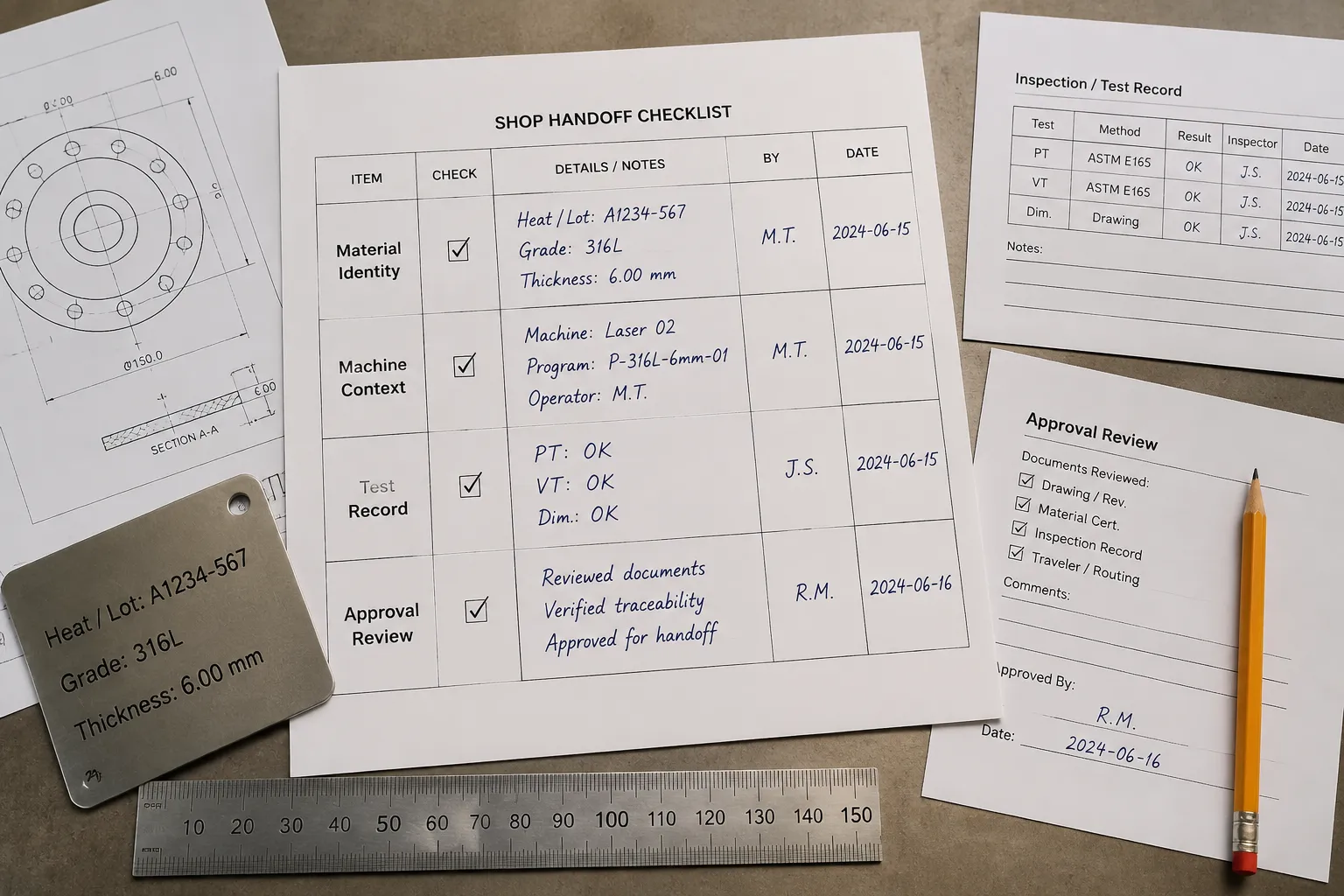
-
Identify the exact material.
Record the product, composition, thickness, finish, supplier, and variant. If identity is incomplete, request supplier clarification before relying on a test route.
-
Name the equipment context.
Record the machine model, laser type, focus or lens context, and process category. Without these fields, keep results provisional.
-
Collect supplier documents.
Compare the stated identity and limitations with the intended operation. If documents are missing, route the questions instead of inferring from appearance.
-
State the operation.
Separate engraving, marking, etching, and cutting. Record whether the goal is contrast, surface change, depth, or separation.
-
Complete the test record.
Preserve conditions and observations together before relying on a preset, borrowed setting, or previous sample.
-
Assign approval ownership.
Name which decisions belong to artwork review, material review, equipment review, shop testing, and customer approval.
This path produces a better-routed handoff. It does not create automatic production clearance.
Separate the Production File From the Preview
An approved production file should be distinguishable from a concept preview and a test-piece record. The handoff package may include:
- Final artwork version
- Material identity record
- Equipment context
- Process category
- Marking location and character-size requirements
- Test-piece record
- Supplier documentation status
- Open material or equipment questions
- Customer approval status
- Shop approval status
- Revision date or file identity
A source note can identify where an image, pattern, or reference came from. It does not by itself establish rights for a particular use. Keep source terms and ownership questions connected to the responsible rights holder.
Likewise, a material test can support a shop-specific decision. It does not certify the material, equipment, workshop conditions, or final product.
Final Checkpoint: Can Another Reviewer See the Boundary?
The handoff is in reasonable shape when another reviewer can answer five questions:
- What exact material is being considered?
- Which machine and laser context does the record describe?
- Is the operation engraving, marking, etching, cutting, or a combination?
- Which supplier and equipment documents support the next check?
- Who owns the unresolved test and approval decisions?
If any answer depends on a generic label, an unlabeled preset, or a sample from another context, keep the status provisional.
Strong material documentation checkpoints make uncertainty visible early. They connect the concept preview to the exact stock, equipment record, intended process, and next shop action without turning one mockup or test piece into a universal production claim.
Sources
- Material Test - LightBurn Documentation
- What materials can a laser process? FAQs
- Laserable Material Compatibility
- Gravotech Engraving Materials Selection Guide
- Safety Operation Guide for Laser Processing Materials | Creality Wiki
- Xometry’s Ultimate Guide to Direct Part Marking: Laser Marking, Laser Engraving, and More